
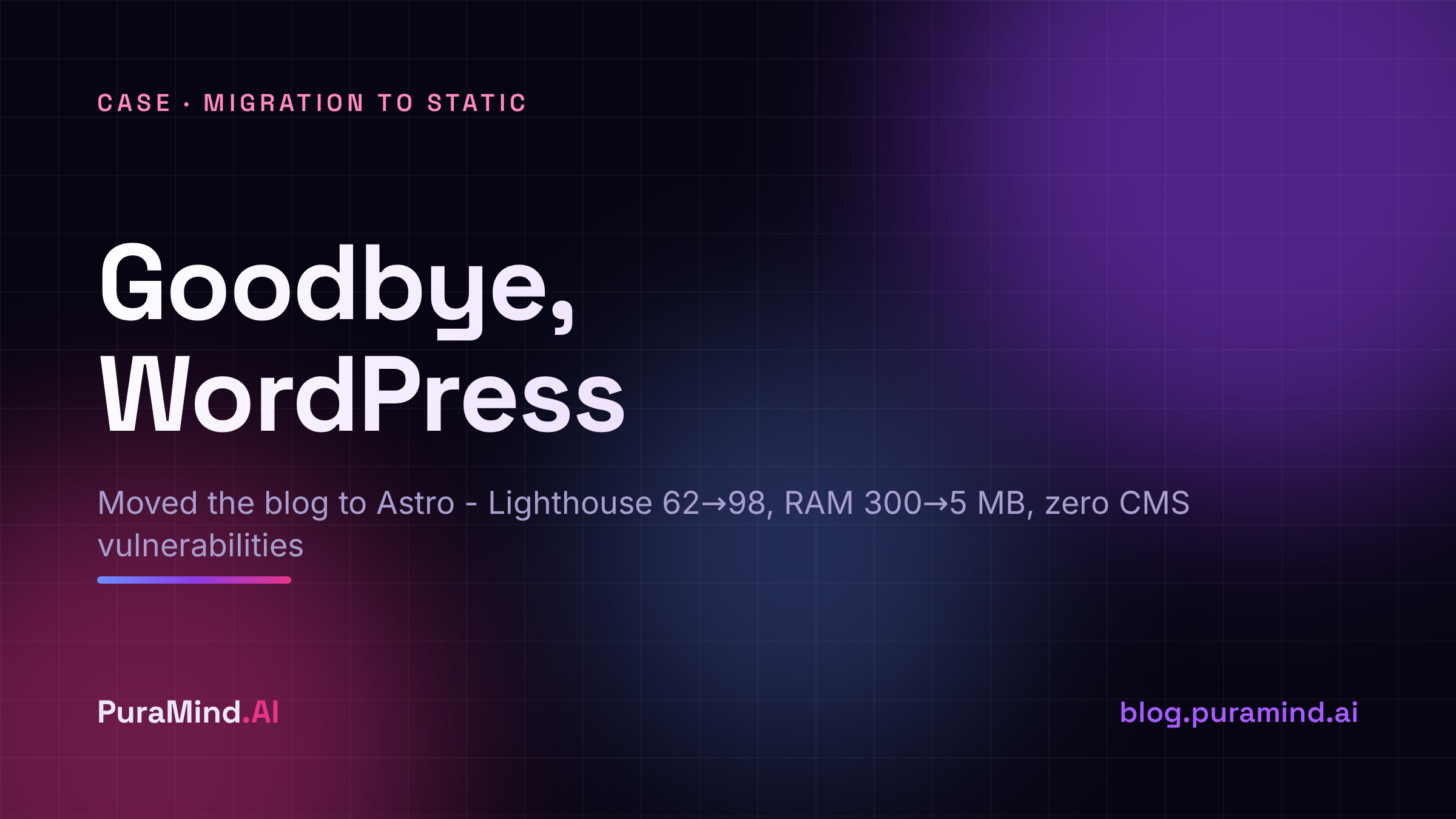
Why We Migrated from WordPress to a Static Site
You’re reading this blog on static. A year ago, WordPress was running here - 15 plugins, PHP, a MariaDB database, and 254 MB in the wp-content folder alone. For a blog that publishes a few articles a month, that turned out to be like driving a truck to pick up bread.
Here’s why we tore it all down and moved to Astro - and what came out of it in numbers.
What Was Wrong with WordPress
WordPress is great if you need comments, forms, user accounts, a plugin for every little thing. We needed none of that. We publish text. But we were paying for everything at once.
Security. WordPress is the most attacked CMS in the world simply because it’s the most common. Bots hammer wp-login.php around the clock, and one vulnerability in any of the 15 plugins means your server is already mining someone else’s coins. Every plugin is more third-party code you’ve effectively handed the keys to your house.
Resources. PHP and MySQL hang in memory all the time, even when there are zero visitors on the site. About 300 MB of RAM taken up by the mere fact that the blog exists. On a home server where every megabyte counts, that gets annoying.
Speed. Every request - PHP assembles the page from the database, runs it through the theme and plugins, and only then serves it. Caching helps, but you’re treating the symptom: caching something that shouldn’t be generated on the fly at all.
Updates. Core, theme, plugins update every month, and each update is a chance to break something. A content blog shouldn’t require maintenance like a production server.
Why Astro
Astro is a static site generator. The idea is simple: pages are assembled once at build time, the output is clean HTML that nginx serves like a regular file. No PHP at runtime, no database.
What worked for us:
- Zero JS by default - not a single byte of script goes to the page unless it’s actually needed.
- Content in Markdown - articles are just text files in git. Versioning, edit history, rollback - all free.
- Search via Pagefind - the index is built at compile time and runs on the client, no server database needed.
I write an article in Markdown, do a git commit, run deploy.sh - it runs astro build, builds the search index, and reloads nginx. Half a minute and the new text is in production. No admin panel, no visual editor, no “save draft to database.”
What the Numbers Show
| Metric | WordPress | Astro + nginx |
|---|---|---|
| Lighthouse Performance | 62 | 98 |
| Load time | 2.8 s | 0.4 s |
| RAM usage | ~300 MB | ~5 MB |
| Attack surface | high | minimal |
5 MB vs 300 - that’s nginx serving static files. It would keep this blog running even on the weakest VPS without breaking a sweat.
Honest: What We Lost
Moving to static is a trade-off, and some things stayed on the other side.
Comments under articles aren’t out of the box anymore: if we want them, we’ll connect an external service. There’s no visual admin panel, edits go through an editor and git - for us that’s a plus, but it’s not for everyone. And dynamic features like forms, user accounts, and shopping carts can’t be done on pure static: for that, WordPress or a proper backend remains the right choice.
For a content blog, none of that hurts. Our job is to serve text, and now we serve it fast, cheaply, and without holes.
Why This Matters for You
If you have a blog or landing page on WordPress and you’re using maybe a tenth of its features - count what the rest is costing you. Most likely, static will cover your needs for a fraction of the resources and take the security headache off your plate at the same time.
At PuraMind, that’s how we build infrastructure: take the minimal tool that solves the problem, no extra layers on top. Tell us about your project - we’ll figure out what fits.